
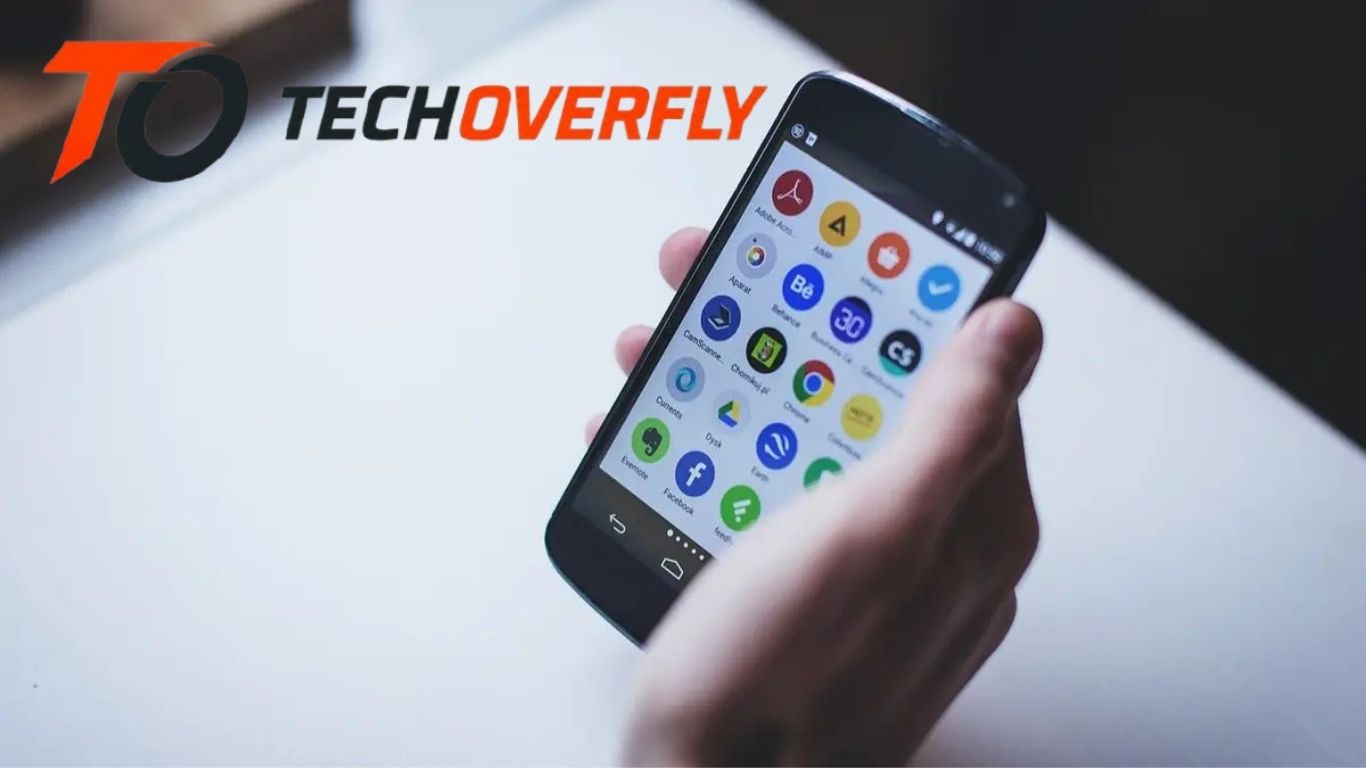
The Android ecosystem is packed with millions of apps, but most users only scratch the surface of what the platform can offer. While popular apps dominate the spotlight, many hidden Android apps provide powerful features, unique tools, and incredible convenience that often go unnoticed. These underrated Android apps can improve productivity, enhance privacy, customize your phone, and make everyday tasks easier.
If you are looking for the best hidden Android apps to try today, this guide covers some of the most useful and lesser-known applications available on the Google Play Store. Whether you want to organize your life, improve your mobile security, or simply discover cool Android apps, this article has you covered.
Hidden Android Apps Are Worth Exploring
Most smartphone users rely on mainstream apps like social media platforms, messaging tools, and entertainment services. However, hidden gems in the Android world often provide:
- Better privacy features
- Lightweight performance
- Advanced customization
- Productivity enhancements
- Unique functions unavailable in popular apps
Exploring these apps can help you maximize your Android device’s potential while discovering tools that make your digital life smoother and more efficient.
Nova Launcher – Transform Your Android Interface
Best for Android Customization
If you want complete control over your Android home screen, Nova Launcher is one of the best hidden Android apps available. It allows users to customize icons, gestures, layouts, animations, and app drawers.
Key Features
- Custom app icons and themes
- Gesture controls
- Hidden apps option
- Faster performance
- Personalized home screen layouts
Why You Should Try It
Nova Launcher gives your smartphone a fresh and modern appearance without slowing down your device. It is perfect for users who love personalization and want a cleaner Android experience.
Files by Google – More Than a File Manager
Best for Storage Optimization
Many Android users overlook Files by Google because it appears to be a simple file manager. In reality, it is one of the smartest utility apps available today.
Key Features
- Cleans junk files
- Frees up storage space
- Offline file sharing
- Smart file suggestions
- Secure folder protection
Why It Stands Out
The app helps optimize your phone’s storage while improving device performance. It is especially useful for budget smartphones with limited storage capacity.
Notion – The Ultimate Productivity Tool
Best Hidden Productivity App
Notion has gained popularity among professionals, students, and freelancers, yet many Android users still have not explored its full potential.
Key Features
- Task management
- Note-taking
- Team collaboration
- Database organization
- Content planning
Why Android Users Love It
Notion combines multiple productivity tools into one app, reducing the need for separate note-taking or project management applications.
Snapseed – Professional Photo Editing for Free
Best Hidden Photo Editing App
Developed by Google, Snapseed is one of the most powerful free photo editors for Android.
Key Features
- Advanced editing tools
- HDR filters
- Selective adjustments
- RAW image support
- Professional-quality effects
Why You Should Download It
Snapseed offers premium-level editing capabilities without charging subscription fees. It is ideal for photographers, content creators, and social media users.
Brave Browser – Private and Fast Web Browsing
Best Privacy-Focused Android App
Online privacy has become a major concern, and Brave Browser helps users browse safely without intrusive ads or trackers.
Key Features
- Built-in ad blocker
- Fast browsing speed
- Privacy protection
- Secure HTTPS browsing
- Battery-saving features
Why It’s a Hidden Gem
Brave provides a smoother browsing experience while protecting user data from online tracking.
MacroDroid – Automate Your Android Device
Best Automation App for Android
MacroDroid is an underrated automation tool that allows users to automate repetitive smartphone tasks.
Key Features
- Automatic Wi-Fi controls
- Scheduled actions
- Battery-saving automation
- Custom device triggers
- Easy-to-use interface
Practical Uses
You can automatically silence your phone during meetings, enable Wi-Fi at home, or send automated text messages.
TickTick – Smart Task Management
Best To-Do List App
TickTick is one of the most efficient hidden Android productivity apps for organizing tasks and schedules.
Key Features
- Habit tracking
- Calendar integration
- Pomodoro timer
- Smart reminders
- Collaboration tools
Why It’s Worth Trying
Its clean design and advanced productivity tools help users stay organized without feeling overwhelmed.
Bitwarden – Secure Password Management
Best Hidden Security App
Managing passwords securely is essential, and Bitwarden offers a reliable solution for Android users.
Key Features
- Password vault
- Cross-platform syncing
- End-to-end encryption
- Secure password generator
- Biometric login support
Why You Need It
Bitwarden protects sensitive information while helping users create stronger passwords for online accounts.
Canva – Design Graphics on Your Phone
Best Graphic Design App
Canva is more than just a social media design tool. It allows Android users to create presentations, posters, logos, and professional graphics directly from their phones.
Key Features
- Thousands of templates
- Drag-and-drop editing
- Video editing tools
- Social media designs
- Team collaboration
Perfect For
Business owners, students, bloggers, and digital marketers can benefit greatly from Canva’s easy design tools.
Musicolet – Offline Music Player Without Ads
Best Hidden Music App
Musicolet is a lightweight offline music player designed for Android users who dislike ads and unnecessary subscriptions.
Key Features
- Ad-free experience
- Offline playback
- Multiple queues
- Tag editor
- Lightweight design
Why Music Lovers Prefer It
The app delivers a clean music experience without draining battery life or displaying intrusive advertisements.
Niagara Launcher – Minimalist Android Experience
Best Minimal Android Launcher
Niagara Launcher offers a simple and distraction-free home screen design.
Key Features
- Minimalist interface
- One-handed usability
- Fast performance
- Reduced clutter
- Notification integration
Why It’s Trending
Users who prefer simplicity and productivity often choose Niagara Launcher for its elegant design.
Forest – Stay Focused and Avoid Distractions
Best Focus App for Android
Forest is a unique productivity app that helps users stay focused by gamifying concentration.
How It Works
When you start a focus session, a virtual tree grows. If you leave the app to check social media or other distractions, the tree dies.
Key Features
- Focus timer
- Productivity tracking
- Gamified experience
- Study motivation
- Habit-building support
Why Students Love It
Forest encourages deep focus while reducing smartphone addiction.
SD Maid – Advanced Android Cleaning Tool
Best Hidden Maintenance App
SD Maid helps users maintain smartphone performance by cleaning unnecessary files and managing storage.
Key Features
- App control
- Duplicate file finder
- Junk cleaner
- System optimization
- Database management
Why It’s Useful
Unlike many cleaning apps filled with ads, SD Maid provides practical tools without excessive distractions.
Tasker – Powerful Android Automation
Best Advanced Automation App
Tasker is one of the most powerful Android apps for advanced users who want complete device automation.
Key Features
- Event-based automation
- Custom scripts
- Voice command support
- Smart home integration
- Device control customization
Why Tech Enthusiasts Love It
Tasker allows nearly unlimited Android customization and automation possibilities.
ProtonVPN – Secure Internet Access
Best Hidden VPN App
Privacy-conscious users should consider ProtonVPN for secure internet browsing.
Key Features
- Strong encryption
- No-log policy
- Fast VPN servers
- Free plan available
- Secure browsing protection
Why It Matters
Public Wi-Fi networks can expose personal data. ProtonVPN helps keep online activity private and secure.
Benefits of Using Hidden Android Apps
Using lesser-known Android apps provides several advantages:
Better Performance
Many hidden apps are lightweight and optimized for smoother performance compared to bloated mainstream apps.
Improved Privacy
Smaller apps often prioritize user privacy and avoid aggressive data collection practices.
Unique Features
Hidden Android apps frequently introduce innovative tools unavailable in traditional applications.
Less Advertising
Many underrated apps provide cleaner user experiences with fewer advertisements.
How to Find Hidden Android Apps Safely
Before downloading any new Android app, follow these safety tips:
- Download only from the Google Play Store
- Check user reviews and ratings
- Verify developer credibility
- Avoid suspicious permissions
- Keep apps updated regularly
Tips for Getting the Most Out of Android Apps
To maximize your Android experience:
- Regularly update your apps
- Organize apps into folders
- Use cloud backups
- Monitor battery usage
- Remove unused applications
Frequently Asked Questions
What are hidden Android apps?
Hidden Android apps are lesser-known mobile applications that offer useful features, productivity tools, privacy protection, customization, or entertainment but are not as popular as mainstream apps. These apps often provide unique functions that improve the Android user experience.
Are hidden Android apps safe to use?
Yes, most hidden Android apps are safe if downloaded from trusted sources like the Google Play Store. Always check app ratings, reviews, permissions, and developer information before installing any Android application.
Which hidden Android apps are best for productivity?
Some of the best hidden productivity apps for Android include Notion, TickTick, Forest, and MacroDroid. These apps help users manage tasks, improve focus, automate routines, and stay organized efficiently.
Can hidden Android apps improve phone performance?
Yes, many hidden Android apps like SD Maid and Files by Google help clean junk files, optimize storage, and improve smartphone speed. Lightweight apps can also reduce battery consumption and improve overall device performance.
What is the best hidden Android app for privacy?
Brave Browser, ProtonVPN, and Bitwarden are among the top hidden Android apps for privacy and security. These apps help protect user data, block trackers, secure passwords, and provide safe internet browsing.
Conclusion
Discovering hidden Android apps can completely transform the way you use your smartphone. From productivity and automation to privacy and entertainment, these underrated apps offer powerful features that many users overlook. Whether you want better organization, stronger security, or a more personalized Android experience, trying new apps can unlock your device’s full potential.
Apps like Nova Launcher, Notion, Snapseed, Brave Browser, and Tasker prove that some of the best Android experiences come from lesser-known tools rather than mainstream applications. By exploring these hidden Android apps today, you can improve productivity, protect your privacy, and enjoy a smarter mobile experience.
